

Fleet Tracking

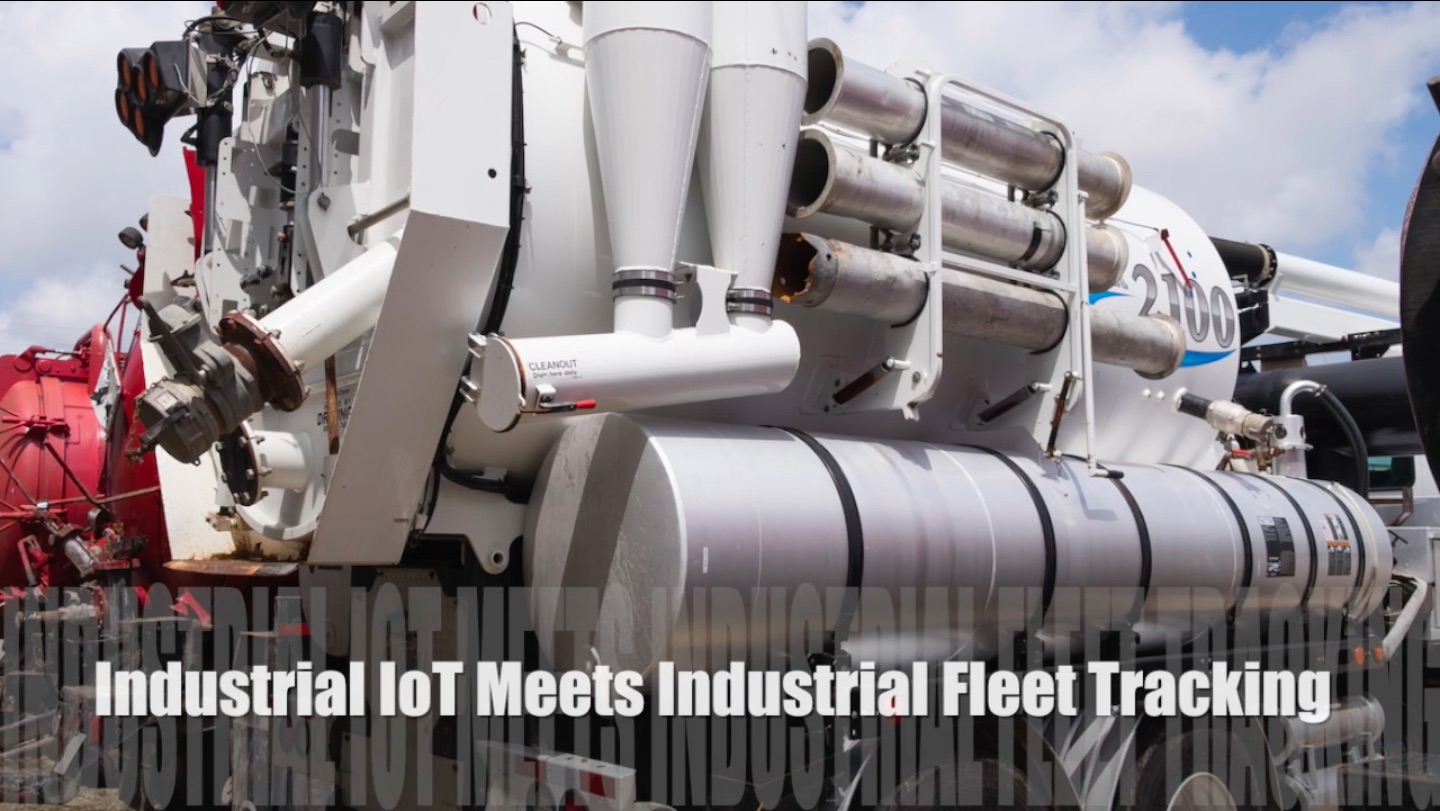
UPDATE: Industrial IoT has met Fleet Tracking.
Click here to see our latest Fleet vehicle tracking solutions and geofencing for industries like natural resources, industrial cleaning services, chemical distribution, and other industries with mobile industrial equipment and assets.
 Valarm’sfleet tools provide an exceptional degree of control in monitoring the whereabouts of vehicles and equipment for trucking, delivery, service, and private or municipal fleets, as well as emergency vehicles, local watercraft, small planes, helicopters and more.
By using your sensor hubs with GPS sensors, you will have access to real-time tracking and historical analysis, 24-7 through the Tools.Valarm.net website.
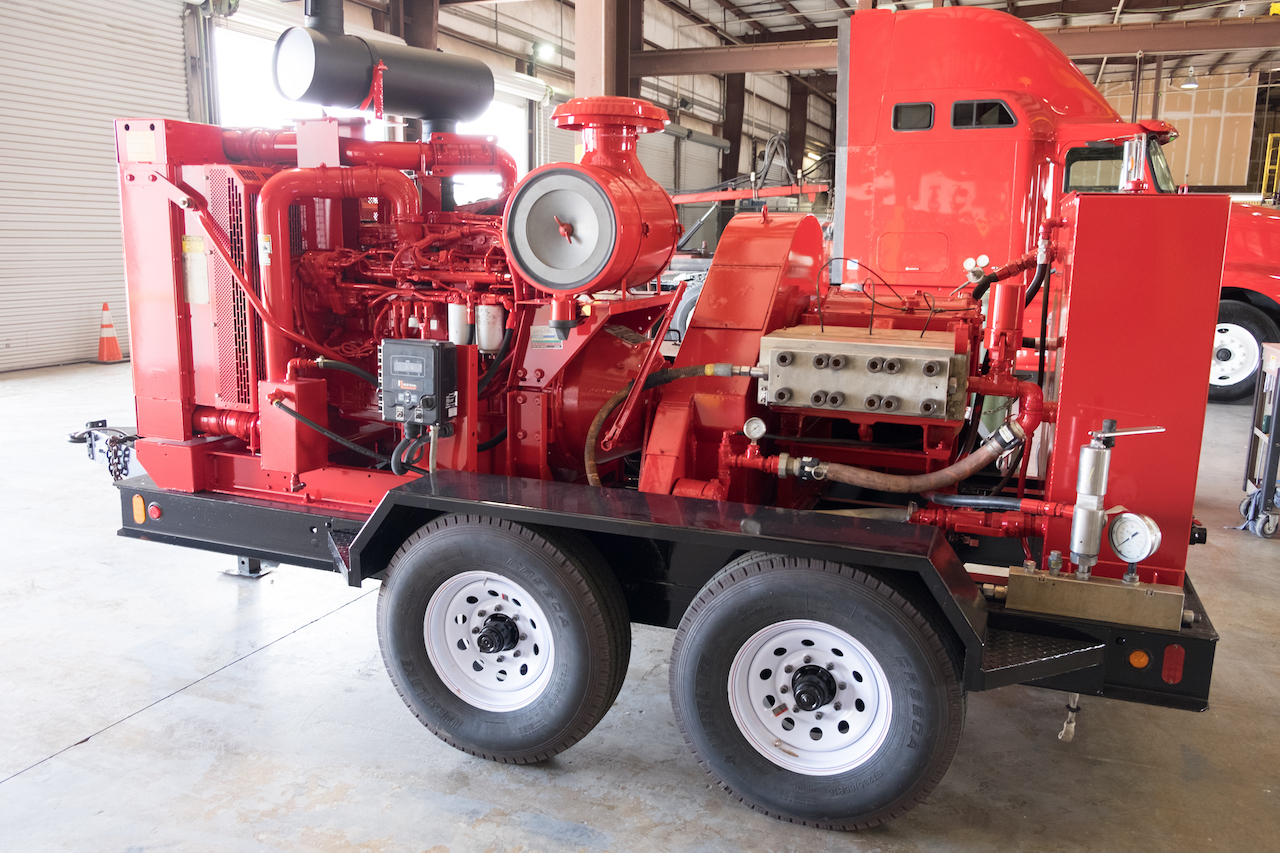
Depending on your configuration and hardware, Valarm can also run for many hours on solar panel power or battery power alone.
Valarm logs data to the device’s internal database, and immediately uploads to the Valarm servers whenever a network connection is available, whether EDGE/3G/4G or WiFi.
If real-time tracking is not your focus and you’re mostly concerned with data-logging and post-analysis, Valarm’s on-device data-logging capabilities can record several days of data before syncing to the web via WiFi when the vehicle is in range at your depot or offices.
Web-based Tools

Valarm’s web-based mapping and historical Industrial IoT Tools allow you to plot routes and visualize areas or territories by time and date ranges, and across multiple vehicles simultaneously. Search for alerts triggered by any specific sensor such as speed, distance-from-origin / distance-to-target (geo-fencing), or temperature. If you’re a hard-core data-analyst-type, the Valarm Tools website even allows you to download your data for advanced analysis and reporting in external tools such as ESRI ArcGIS, Quantum GIS, Google Earth, and Microsoft Excel.
 The Valarm web tools allow you to create and share a Tracking Code with your customers, so they can track your delivery or service vehicle for a limited (or unlimited) time, with access controlled entirely by you. Blackout Zones can even be created to automatically hide your depots, suppliers, or offices from the Public Tracker interface.
OBDII Monitoring
Valarm can monitor, record and broadcast alerts based on vehicle parameters with OBDII – at no extra charge. Compatible with a wide variety of Bluetooth-compatible adapters, Valarm’s OBD2 support allows you to monitor and configure alerts based on vehicle speed as reported directly by the vehicle’s ECU (besides the speed calculated by GPS), as well as throttle position, engine RPMs, and coolant temperature. The industrial-strength interfaces offered by PLX Devices, ScanTool.net and OBDKey.com are highly recommended, and Valarm may function with other ELM327+Bluetooth compatible adapters (off-brand or “clone” adapters are not tested and not officially supported).
Valarm’s OBDII capabilities are BUILT-IN, there are no extra charges – just buy a compatible interface from any of the vendors listed above, pair it with a Valarm device, and you’re remotely monitoring a vehicle ECU. Valarm can send you a text message and post an alert to the web when any vehicle in your fleet is overheating, being raced, or speeding beyond a configured limit. In a near-future release we’ll also monitor the vehicle’s ECU status for trouble codes, and add a few more interesting vehicle parameters to our OBDII support.


